


In today's technology-driven world, website design plays a pivotal role in shaping user experiences. Whether you're a beginner aiming to enter the field or someone curious about how websites are created, understanding the anatomy of a website and the fundamentals of UI design is essential. This guide will help you learn about these elements and how they contribute to the functionality and aesthetic appeal of a website.
What Is Website Anatomy?
Website anatomy refers to the structure of a website, including the different elements that come together to provide a cohesive experience for users. It includes the layout, navigation, user interface (UI), and content.
The Essential Elements of Website Anatomy
Every website consists of several key components that form its structure:
1. Header
The header is located at the top of the webpage and typically contains the site’s logo, navigation menu, and sometimes a search bar. A well-designed header helps users navigate the website easily.
2. Navigation Bar
The navigation bar helps users find important sections of the website. It includes links to various pages and categories, allowing seamless movement throughout the site.
3. Body Content
This is the core part of any webpage. It contains the text, images, videos, and interactive elements. The UI design of the body should focus on readability and engagement.
4. Footer
The footer appears at the bottom of the page. It often contains contact details, social media links, and legal disclaimers. While it's not the first thing users see, it plays a critical role in the overall website design.
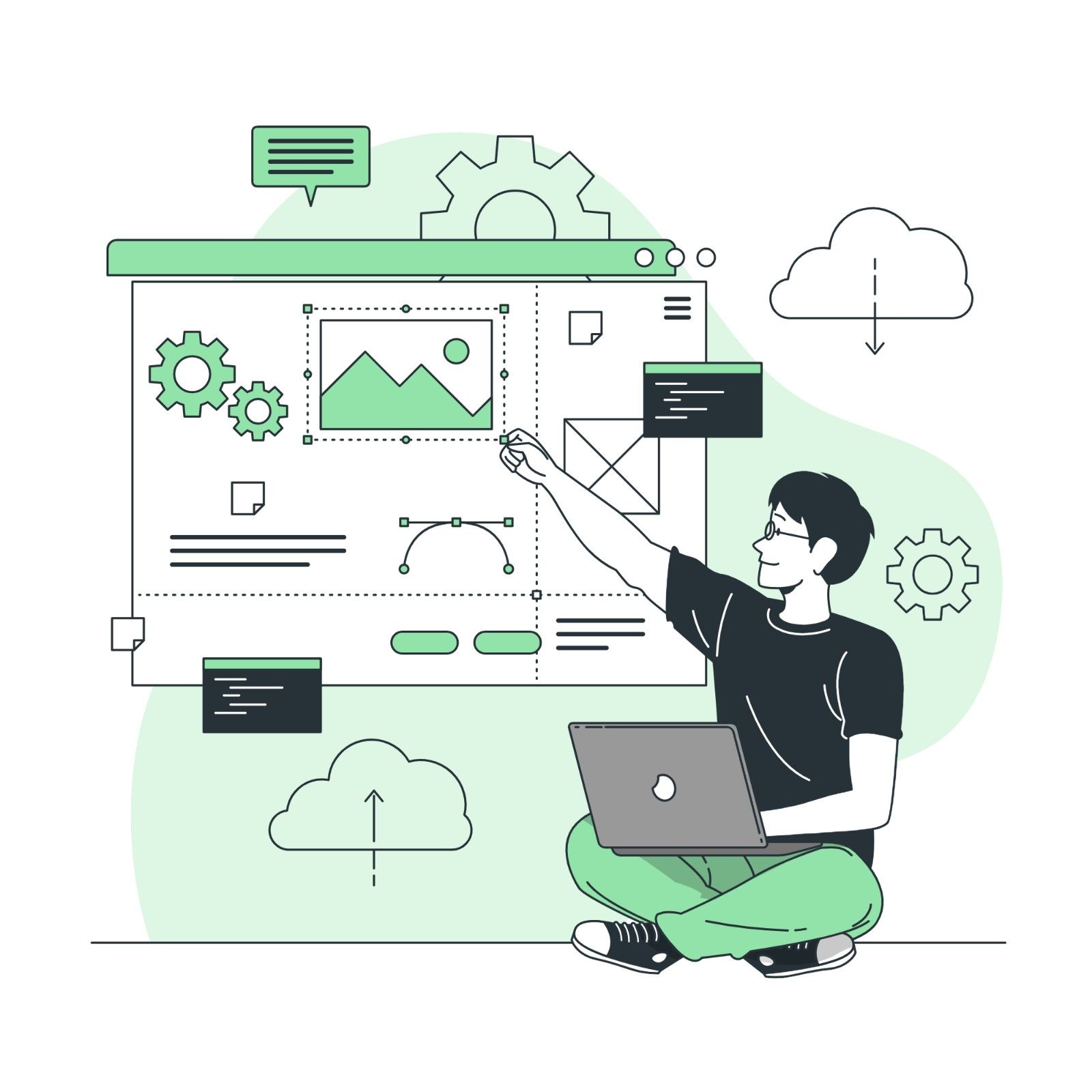
Image source - storyset.com
The Role of UI Design in Website Structure
UI design focuses on how the website looks and how users interact with it. It covers everything from the layout to the color scheme and typography. A well-thought-out UI ensures that users have a smooth and enjoyable experience when browsing the website.
Why UI Design Matters
UI design is important because it directly impacts the user experience. A poorly designed interface can frustrate users, while an intuitive and aesthetically pleasing interface keeps them engaged. For example, if buttons are hard to find or links are not clearly distinguishable, users may abandon the site altogether. Therefore, mastering UI design is a valuable skill for aspiring designers.
Learning UI Design: Tools and Resources
If you’re interested in mastering UI design, several resources can guide you, including UI UX design courses that offer hands-on experience. These courses teach the principles of UI design while also helping you understand how it integrates with the overall website design process.
Some popular tools used in UI design include:
- Sketch: A vector-based design tool used primarily for UI/UX.
- Figma: A collaborative tool perfect for designing interfaces and prototyping.
- Adobe XD: A comprehensive UI/UX tool offering design, prototyping, and collaboration features.
By enrolling in a UI UX design course, you’ll gain the skills needed to design effective and user-friendly interfaces.
UX Design and Its Role in Web Design
While UI design focuses on the visual aspects, UX design (user experience design) is about how users interact with the website. It involves understanding user behavior, optimizing the site’s functionality, and making it easier for users to complete tasks.
The Importance of UX Design Certification
For beginners looking to advance their careers in web design, obtaining a UX design certification can be a significant step. This certification demonstrates your understanding of user behavior and your ability to create intuitive, user-centered designs. It’s not just about how the website looks, but how it works to fulfill user needs.
How UI and UX Work Together
UI and UX design are often intertwined. While UI handles the look and feel, UX focuses on functionality and navigation. For example, a beautifully designed button (UI) is useless if it doesn’t lead to the right page or fulfill the user’s intention (UX). Mastering both ensures a cohesive website design that is both visually appealing and easy to use.
Best Practices in UI and Website Design
Now that you understand the basics of UI and website design, let’s explore some best practices that can help create a successful website:
1. Keep It Simple and Intuitive
A cluttered design can overwhelm users, making navigation difficult. Keep the layout simple, with a clean design that guides users through the site.
- Use white space to avoid overcrowding elements.
- Prioritize important information.
- Ensure the navigation is straightforward.
2. Mobile-Responsive Design
With an increasing number of users accessing websites from mobile devices, it’s crucial to have a mobile-responsive design. This means the website should automatically adjust its layout based on the device’s screen size.
- Test your website on multiple devices.
- Use flexible grids and images.
- Ensure touch elements are large enough for easy interaction on small screens.
3. Consistency Is Key
Ensure that elements like buttons, fonts, and colors are consistent across all pages. This helps in creating a unified user experience.
- Use a limited color palette.
- Stick to a consistent font style.
- Ensure consistent button styles and actions.
4. Fast Loading Times
Slow websites lead to high bounce rates. A fast website improves user experience and ranks better on search engines.
- Optimize images and reduce file sizes.
- Use efficient coding practices.
- Leverage caching and content delivery networks (CDNs).
Image source - storyset.com
The Future of UI and Website Design
The future of UI design is full of potential, with innovative technologies such as voice control, artificial intelligence, and virtual reality on the horizon. Designers must adapt to these trends to create innovative experiences.
1. Voice User Interface (VUI)
With smart speakers and voice search on the rise, UI design is evolving to include voice interfaces. Websites may need to be designed with voice commands in mind, offering users a more hands-free experience.
2. AI-Powered Personalization
AI can personalize website content to match individual user preferences. Personalized recommendations, chatbots, and predictive search are becoming integral to modern websites.
3. Augmented Reality (AR) and Virtual Reality (VR)
AR and VR are set to transform UI design, especially in sectors like e-commerce and real estate. Websites might soon allow users to virtually try on products or explore properties through immersive experiences.
Conclusion
Mastering UI and website design is the basis for creating impactful online experiences. By understanding the anatomy of a website, applying UI design principles, and prioritizing user experience, you can develop websites that not only look visually appealing but also deliver exceptional functionality.
Remember, the future of UI design holds exciting possibilities with emerging technologies like voice interfaces, AI-powered personalization, and AR/VR. Staying up-to-date with these trends will enable you to create innovative and engaging websites that resonate with your audience.
So, if you're passionate about web design and eager to make a lasting impression, embark on your journey to master UI and website design. By combining creativity, technical skills, and a user-centric approach, you can craft websites that captivate, engage, and drive success in the digital world.
Ready to make a difference in the digital world? Our UI-UX Design Certification Course equips you with the skills to design exceptional user experiences. Join us and become a sought-after designer.
Visit the Kaarwan website for more insights!
FAQs
Q1: What is website anatomy?
A1: Website anatomy refers to the structure of a website, including key elements like the header, navigation bar, body content, and footer, all working together to create a cohesive user experience.
Q2: Why is UI design important in website design?
A2: UI design is essential for creating websites that are both visually appealing and user-friendly. A well-designed interface enhances user engagement, making it easy for visitors to navigate and complete tasks.
Q3: How does UX design contribute to the effectiveness of a website?
A3: UX design focuses on the overall user experience. It ensures that a website is easy to use, intuitive, and meets the needs of its users by improving site functionality and navigation.
Q4: What is the relationship between UI and UX design in the development of user-friendly websites?
A4: UI design is about how a website looks, while UX design is about how well it works for users. Together, they ensure that a website is both visually appealing and user-friendly, improving overall user satisfaction.
Q5: What tools are commonly used in UI design?
A5: Some of the popular software choices for UI design include Sketch, Figma, and Adobe XD. These tools help designers create effective, interactive user interfaces while integrating UI with the overall website design process.




